User Profile
The user profile allows you to set up some account-level settings.
Prerequisites
This tutorial requires you create an account. To fully use permissions you need to have another user request your permissions.
Overview
The user profile page contains all of your actual account-level settings. As a rule of thumb, if it is about your account, you can probably find it in here.
Fields
The fields are as follows:
| Field | Description |
|---|---|
| Username | Your public username |
| First name | Your first name |
| Last name | Your last name |
| Your email address you submitted when signing in. If logged in with facebook, this is the primary email you have attached to your account. This is the email we will contact you with for important notifications on TailScribe. |
Permissions
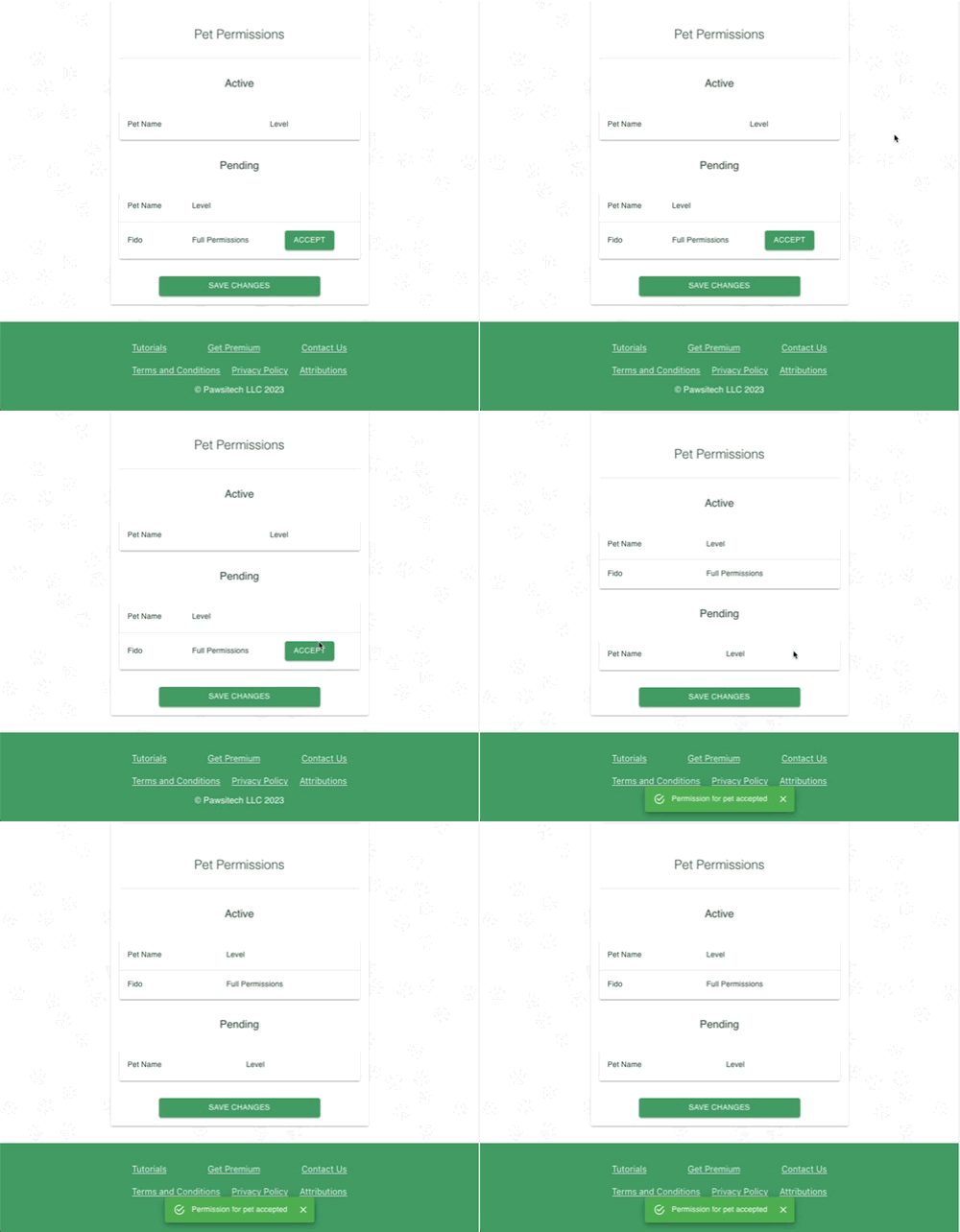
These are related to the pet permissions detailed in an earlier tutorial. Here you can accept or reject any pending permissions requests. You can also see all of your active permissions.
Integrations
You can connect TailScribe to other applications! This allows you to consolidate your other existing resources and keep everything in one place.
The available integrations are:
| Integration | Description |
|---|---|
| YouTube | Allows for you to connect your YouTube account to TailScribe. You can use this to import videos on your video notes. |
To activate an integration, click the Enable button next to the description. You will be brought to the external provider for said integration. After you finish authorizing TailScribe you will be sent back to the application.
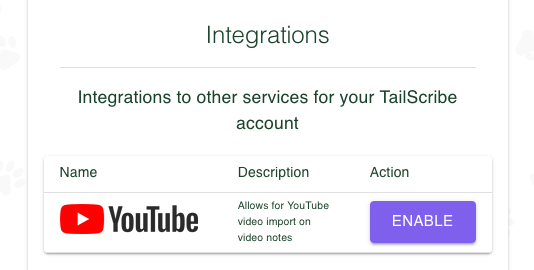
You can disable an integration at any time, and TailScribe does not retain any user information as per our Privacy Policy.
What's next?
Next, we will talk about checklists!