Create a Pet
Let's create our first pet!
Prerequisites
This tutorial assumes you have created an account. If you have not done so yet, you can do that here.
Adding a Pet
Upon signing into TailScribe, you will be sent to your dashboard. Here you can see your pets, recent note activity, and yearly activity.
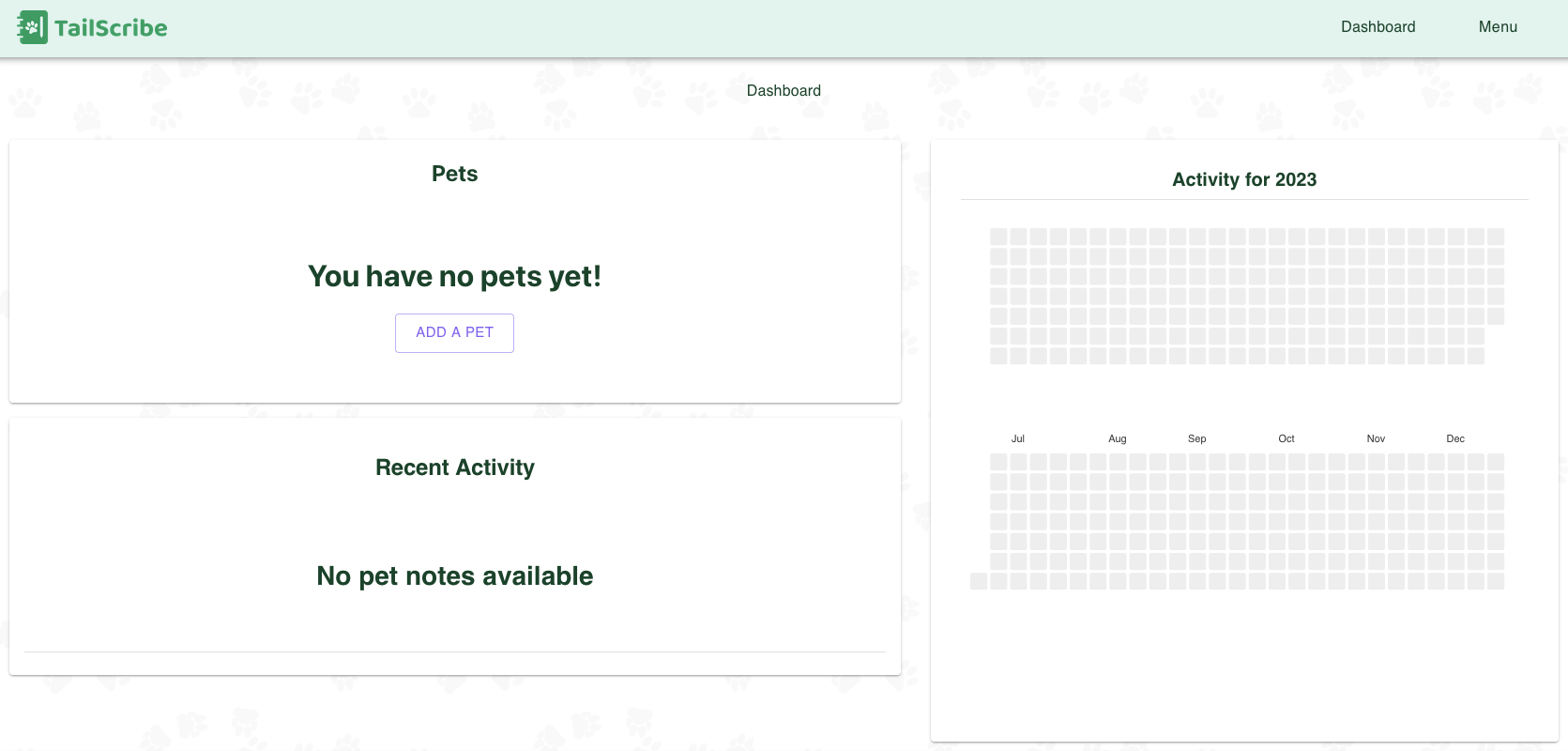
Inside the "Pets" section, you will see the "Add A Pet" button. Click it.
Upon click, you will be sent to the "Add New Pet" page. You have an option for a name, and a photo. The Image is optional.
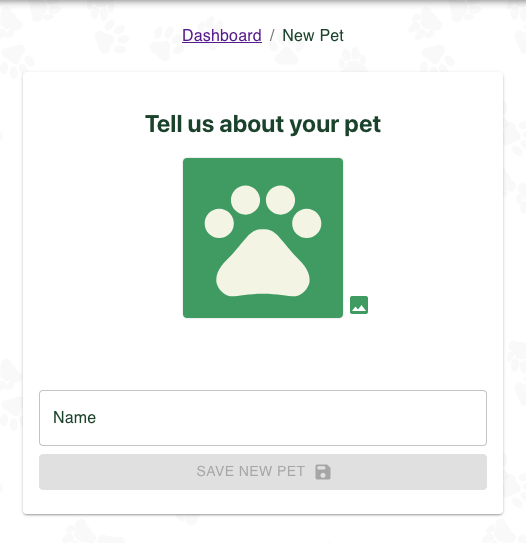
Put in your pet's name, and select "Save New Pet".
And voila! Your pet has now been added to TailScribe. You can now record your pet's training data!
What's next?
From here you can do pretty much anything!
You can Add Notes, Update Pet Details, Add Cues for Skills, or anything you set your mind to!